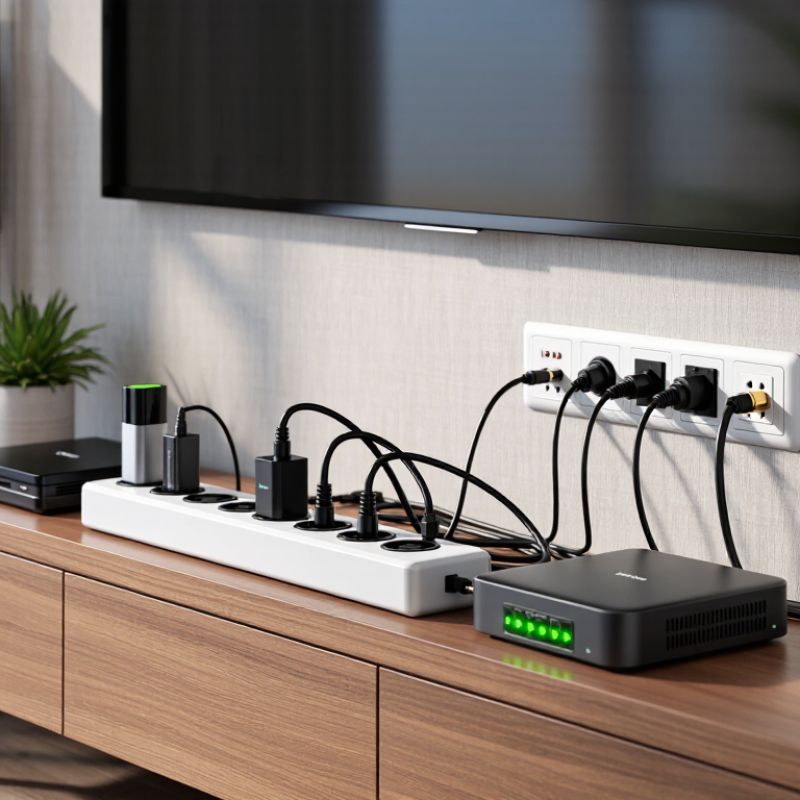
| 1 | Identify every connected path | AC power, coaxial cable, Ethernet, HDMI-connected devices | A surge can enter through the power line or through a connected antenna, cable, satellite, or network line. | Protect the TV power connection and review protection for any outdoor or incoming signal cable. | Protecting only the wall-power plug may not protect equipment connected to an external coaxial or data line. |
| 2 | Choose the correct device type | Power strip, surge-protective power strip, UPS, or whole-home SPD | A standard power strip provides additional outlets but does not necessarily provide surge suppression. A UPS also supplies battery backup. | Use a listed surge-protective power strip for basic TV protection; consider a UPS when short power interruptions are a concern. | A UPS is not automatically a substitute for whole-home surge protection or signal-line protection. |
| 3 | Check the safety certification | UL 1449 or an applicable national safety standard | UL 1449 is the relevant U.S. standard for surge protective devices. Certification indicates that the product has been evaluated against defined safety and performance requirements. | Select a product with a verifiable certification mark appropriate for the country of use. | A marketing statement such as “surge protected” without a recognizable safety listing is not enough to compare product safety. |
| 4 | Compare the voltage protection rating | VPR: 330 V to 1,500 V commonly shown on U.S. listings | The Voltage Protection Rating indicates the let-through voltage measured under specified test conditions. Lower VPR generally means less transient voltage reaches the connected equipment. | Prefer a lower listed VPR when other safety, current, outlet, and certification requirements are equivalent. | VPR values are test results, not a guarantee that a TV will survive every real-world event. |
| 5 | Use joule ratings carefully | Approximately 500–2,000+ joules for many consumer models | The joule figure describes the energy absorption capacity claimed under the manufacturer’s test method. It is useful for comparison within a product category. | Choose a clearly documented rating suitable for the value and number of connected devices. | Joule ratings are not directly interchangeable across all manufacturers and do not replace checking VPR or certification. |
| 6 | Look for a disconnect or status indicator | Thermal protection, internal fuse, or protection-status light | Surge components can degrade after repeated events. A status indicator can show whether the protective circuit is still active; thermal protection helps limit overheating risk. | Choose a model with a clear protection-status indicator and documented fail-safe design. | A light that indicates power is present may not indicate that surge protection is still functioning. |
| 7 | Match the electrical load | Voltage, frequency, amperage, and maximum load | The protector must be compatible with the local mains supply and must not be loaded beyond its rated current. | For a typical TV, streaming device, soundbar, and game console, select a unit rated for the local supply and the combined equipment load. | Do not connect one surge strip to another, and do not exceed the listed current or wattage limit. |
| 8 | Consider outlet spacing and layout | Number of outlets, spaced outlets, right-angle plug, cord length | Large TV adapters and power bricks can block adjacent sockets on compact strips. | Choose enough outlets with at least one or two widely spaced sockets for bulky adapters. | More outlets do not mean more surge capacity; the electrical rating remains the limiting factor. |
| 9 | Assess coaxial and data-line protection | Coaxial, telephone, or Ethernet protection modules | Signal-line protection can reduce the risk of a surge traveling through connected low-voltage cables, but it must match the cable type and system requirements. | Consider a compatible coaxial protector for an outdoor antenna, cable, or satellite connection, especially where the cable enters the building. | Some inline protectors can affect high-speed data or signal performance; verify compatibility before installation. |
| 10 | Plan for installation and replacement | Point-of-use SPD, service-panel SPD, grounding, and replacement interval | Whole-home protection is installed at the electrical panel by a qualified professional, while a point-of-use protector is installed near the TV. | Use layered protection where appropriate and replace a protector after a major surge, visible damage, overheating, or a failed status indicator. | Surge protection cannot replace correct grounding, code-compliant wiring, or professional electrical work. |