| Brightness | 5,000–8,000 nits for direct sunlight; 2,500–5,000 nits for shaded locations | Compare the measured brightness with the installation environment. Confirm that brightness can be adjusted automatically or manually. | Insufficient brightness causes images to look washed out or unreadable in daylight. Excessive brightness can increase power consumption and glare. |
| Viewing Distance | Approximate minimum viewing distance: pixel pitch in millimetres × 1 metre | For example, a 5 mm pixel pitch is generally suitable from about 5 metres, while a 10 mm pitch is more appropriate for viewing from about 10 metres or farther. | The correct viewing distance helps balance image sharpness, installation cost, and screen size. |
| Pixel Pitch | 3.9–5.9 mm for relatively close viewing; 6–10 mm for medium or long-distance viewing | Choose a smaller pitch when viewers will stand closer or when text and detailed graphics are important. Choose a larger pitch for highways, stadiums, and distant viewing. | Smaller pixel pitch provides higher image detail but usually increases LED quantity, cost, and power requirements. |
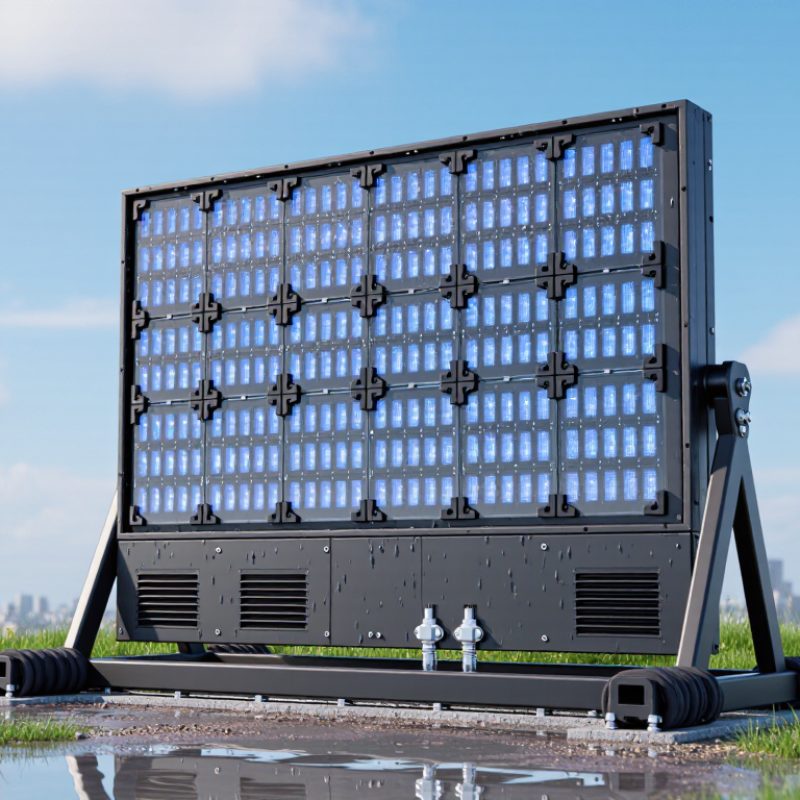
| Waterproof Protection | At least IP65 on the front; IP54 or higher on the rear, depending on the cabinet design | Check the complete assembled cabinet rating, not only the LED module rating. Confirm protection against rain, dust, drainage issues, and cable-entry points. | Outdoor screens are exposed to rain, dust, humidity, and wind-driven water. Protection should match the installation direction and local weather conditions. |
| Refresh Rate | At least 1,920 Hz for normal digital signage; 3,840 Hz or higher for camera-recorded content | Review the refresh-rate specification together with the control system and receiving cards. Test the screen with a camera when live streaming or filming is required. | A higher refresh rate reduces visible scanning lines, flicker, and rolling bands in photographs and video recordings. |
| Contrast Ratio | About 3,000:1 or higher for outdoor applications | Ask for test conditions and verify performance in both bright daylight and low-light conditions. Consider black-level performance, not only the stated ratio. | Good contrast improves readability, depth, and color separation when ambient light changes. |
| Color and Grayscale Performance | 16-bit or higher internal processing is commonly preferred; consistent RGB calibration is essential | Inspect skin tones, gradients, dark scenes, and large solid-color areas. Check whether brightness and color calibration are consistent across cabinets. | Accurate grayscale and color uniformity prevent banding, color patches, and visible differences between modules. |
| Viewing Angle | Typically about 120° horizontal and 120° vertical, depending on LED and mask design | View the screen from the sides and below the normal sightline. Confirm that brightness and color remain acceptable across the expected audience area. | A wide viewing angle allows more people to see consistent content without severe brightness or color shifts. |
| Operating Temperature | Common outdoor ranges are approximately −20°C to +50°C; verify the actual specification for the site | Match the rated range to local summer and winter conditions. Check whether the cabinet includes ventilation, fans, heating, or temperature monitoring. | Temperature protection helps reduce failures caused by overheating, condensation, freezing, and thermal cycling. |
| Power Consumption | Typical average consumption: approximately 300–800 W/m²; peak consumption can be higher | Use the maximum rated power for electrical planning and the average power figure for energy-cost estimates. Include brightness settings and operating schedules. | Power demand affects circuit sizing, operating cost, heat generation, and the capacity of backup power systems. |
| Cabinet and Structural Design | Corrosion-resistant cabinet materials, sealed connectors, drainage paths, and wind-load calculations | Review cabinet weight, service access, mounting method, drainage, grounding, and the structural design for the local wind zone. | A weather-resistant LED module alone does not ensure a safe installation. The entire cabinet and supporting structure must withstand outdoor conditions. |
| Maintenance Method | Front service for restricted-access locations; rear service where there is sufficient maintenance space | Confirm module access, spare-part availability, cabinet replacement time, and whether power supplies and receiving cards can be serviced independently. | Convenient maintenance reduces downtime and lowers service costs over the screen’s operating life. |