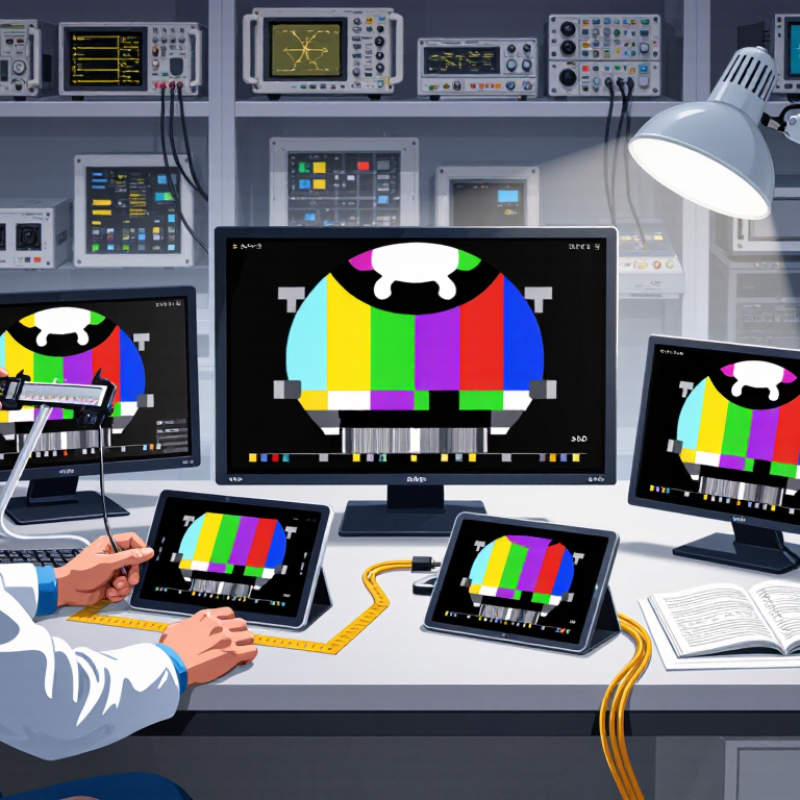
| 1. Panel Technology | IPS, VA, or TN TFT LCD panel | IPS for wide viewing angles and consistent colors | Panel structure affects color stability, viewing comfort, contrast, and response performance. | Confirm the panel type in the technical datasheet rather than relying only on the product description. |
| 2. Viewing Angle | Horizontal and vertical viewing angle, measured at a defined contrast ratio | Up to 178° horizontal / 178° vertical for many IPS panels | A wider angle helps preserve image visibility when the display is viewed from the side or above. | Check whether the stated angle is based on a standard such as CR ≥ 10 and note that perceived color shift can occur before the stated limit. |
| 3. Contrast Ratio | Typical static contrast ratio, not dynamic contrast | Around 1,000:1 for a typical IPS TFT LCD | Higher static contrast generally produces deeper blacks and better separation between dark and bright details. | Compare static or typical contrast values under the same measurement conditions; dynamic contrast figures are not directly comparable. |
| 4. Brightness | Luminance in candela per square metre (cd/m²) | 250–350 cd/m² for general indoor use | Adequate brightness improves readability, while excessive brightness may increase eye fatigue in dim environments. | Choose a higher rating for bright rooms, but also check whether brightness can be adjusted smoothly. |
| 5. Color Performance | Color gamut, color depth, and factory calibration information | 8-bit color or 8-bit equivalent; sRGB coverage clearly specified | Color depth and gamut influence how smoothly gradients appear and how accurately images are reproduced. | Look for measured or clearly defined coverage values, such as sRGB percentage, instead of vague claims like “high color.” |
| 6. Response Time | Gray-to-gray response time in milliseconds (ms) | 5–8 ms for office, industrial, and general multimedia use | Faster transitions can reduce visible ghosting in moving images, although response time alone does not determine motion quality. | Check the measurement method and operating mode because advertised response times may use overdrive settings. |
| 7. Resolution and Pixel Density | Native resolution matched to screen size and viewing distance | At least 1920 × 1080 for common 16:9 displays; higher resolution for detailed work | Higher pixel density produces sharper text and graphics, but may require scaling and greater processing performance. | Calculate pixel density from the native resolution and diagonal size, then confirm that the intended operating system supports suitable scaling. |
| Surface and Backlight | Matte or glossy surface; LED backlight uniformity | Matte surface with even LED illumination for bright workspaces | A matte finish reduces reflections, while uniform backlighting helps prevent distracting bright or dark areas. | Inspect the display using a solid-color test image and check for backlight bleed, clouding, or uneven brightness. |
| Data Interpretation | Typical value, minimum value, or maximum value | Prefer clearly identified typical values with test conditions | Specifications can vary between production batches, operating temperatures, refresh modes, and measurement methods. | Request the complete datasheet and distinguish guaranteed limits from representative or typical performance figures. |